NewGurbani on the Gurdwara screen, free and in beta.Tat Khalsa Pothi for Mac and Windows →
Launch App
Tat Khalsa Pothi

Nitnem, Gurbani and Dasam Granth in one app

Daily Nitnem and the most complete collection of baanis from Guru Granth Sahib Ji, Sri Dasam Granth Sahib Ji and Bhai Nand Lal Ji, with Rehatnaame, Panthic writings and puratan handwritten saroop in Larivaar.

Download on the App StoreGet it on Google PlayOpen web app
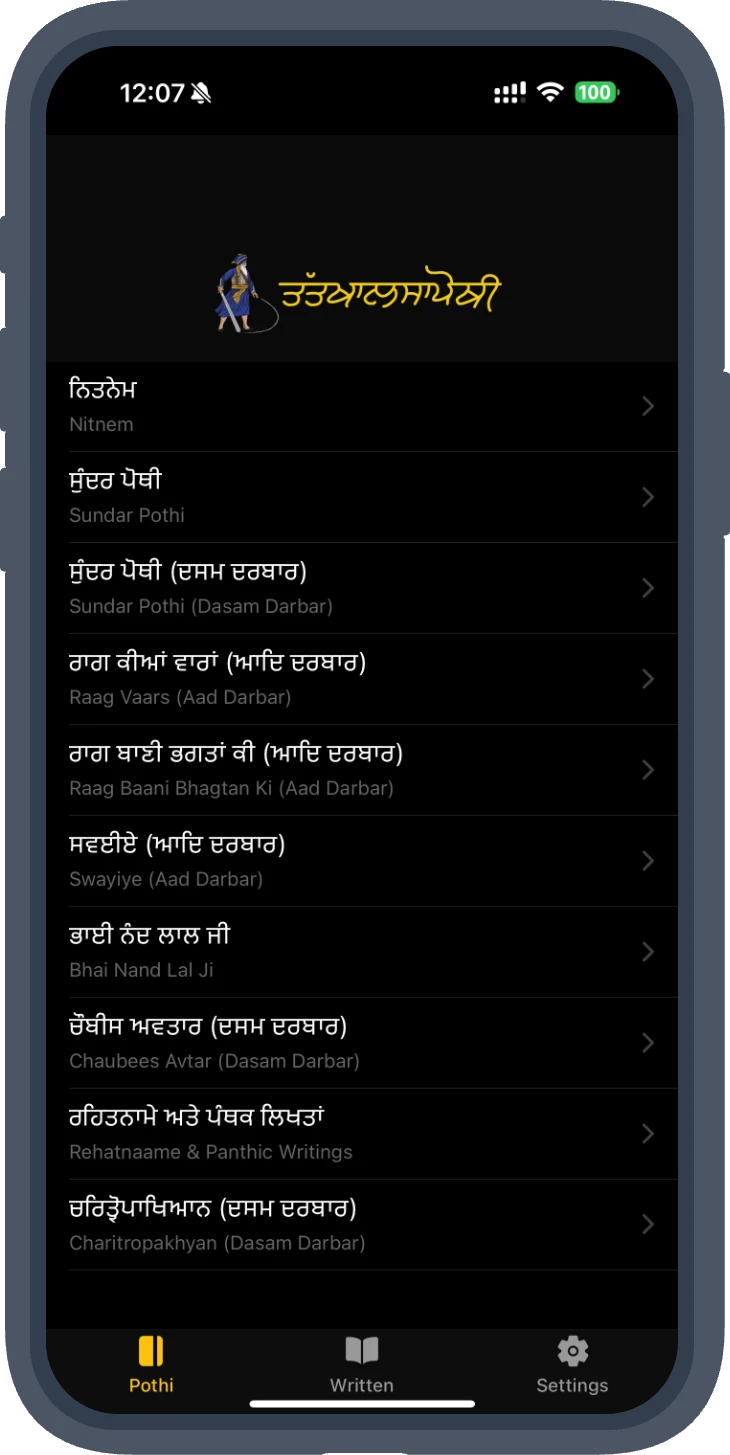
Tat Khalsa Pothi app home screen listing Nitnem, Sundar Pothi, Raag Vaars and more
Inside the app

Every baani you read, in one place

See all app features →

Nitnem from every major maryada, the full Aad, Dasam and Sarbloh Darbars, santhya and paath audio, and Gurbani in Gurmukhi or Hindi. Free, with no account and no ads.

Every maryadaRehras, Ardaas and Kirtan Sohila in Darbar Sahib, Taksal, Hazur Sahib, Nanaksar, Budha Dal, Udaasi, Nirmala and more.
All three DarbarsSri Guru Granth Sahib Ji, Sri Dasam Granth and Sri Sarbloh Granth, searchable and by ang.
Hindi pothiRead and search Gurbani in Hindi (Devanagari).
Santhya and paath audioSanthya and paath recitation from respected ustaads, at variable speed.
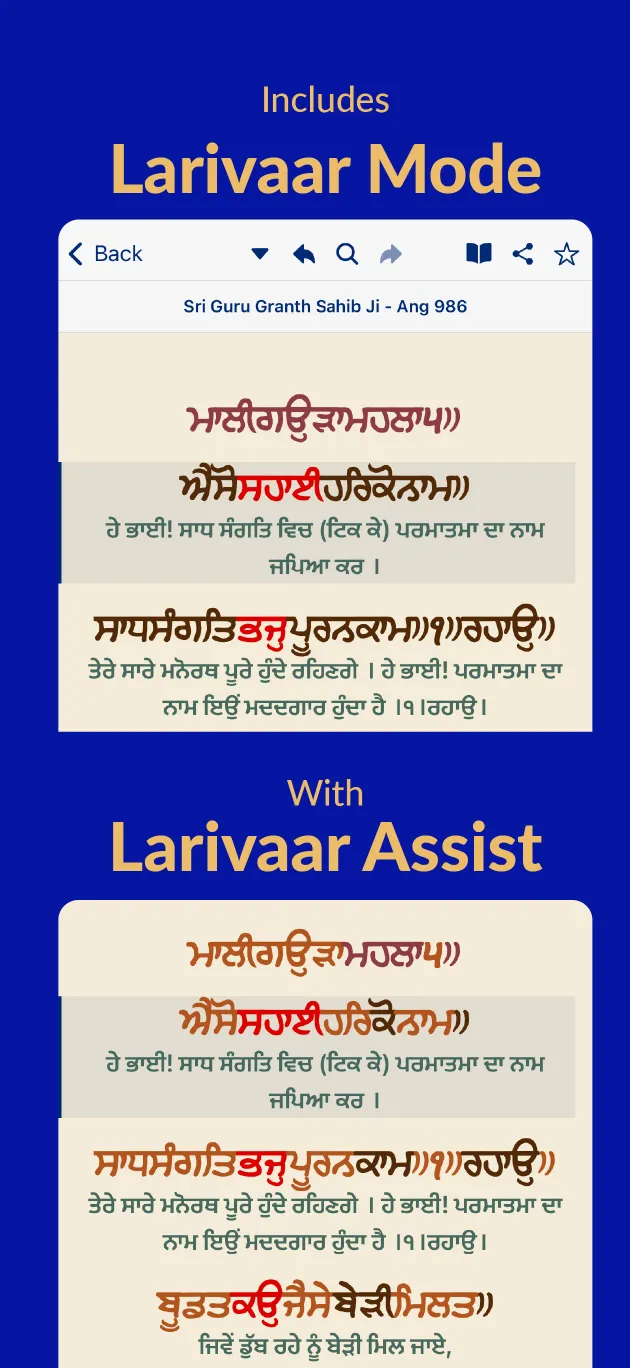
Puratan fonts and larivaarEight Gurmukhi fonts, hashiya paper, larivaar assist and three-tier vishraams.
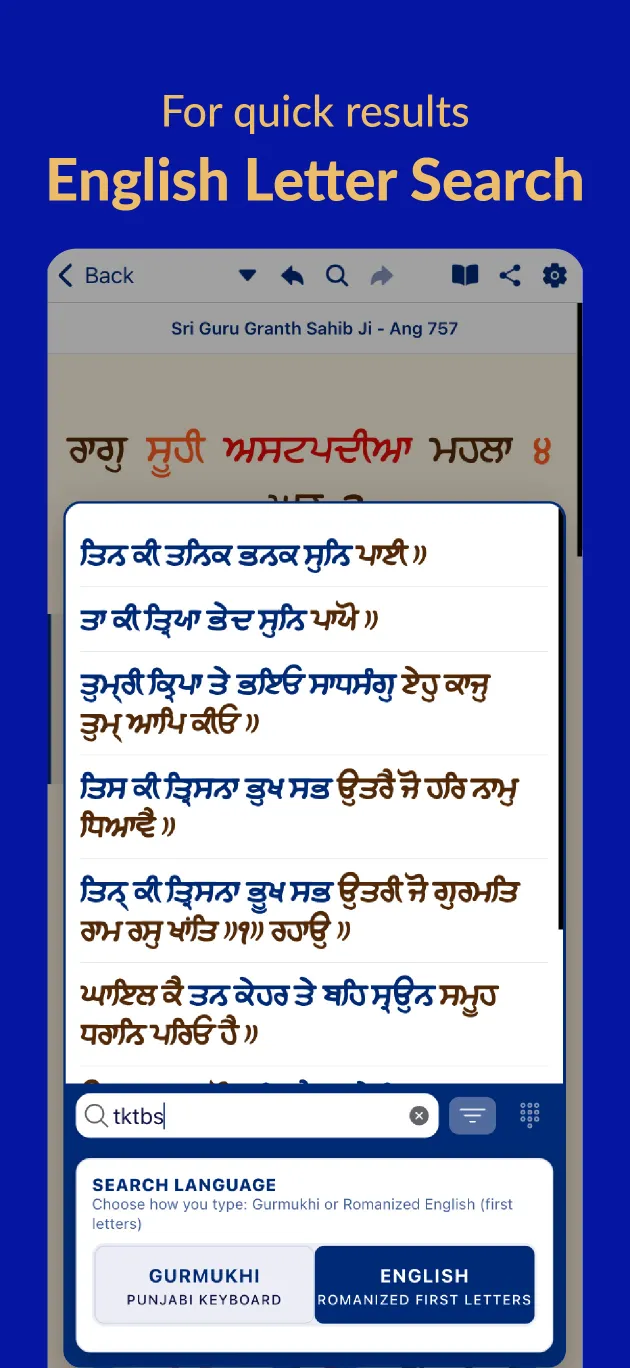
Search, even offlineFirst-letter, Romanised, Hindi and English search with no network needed.
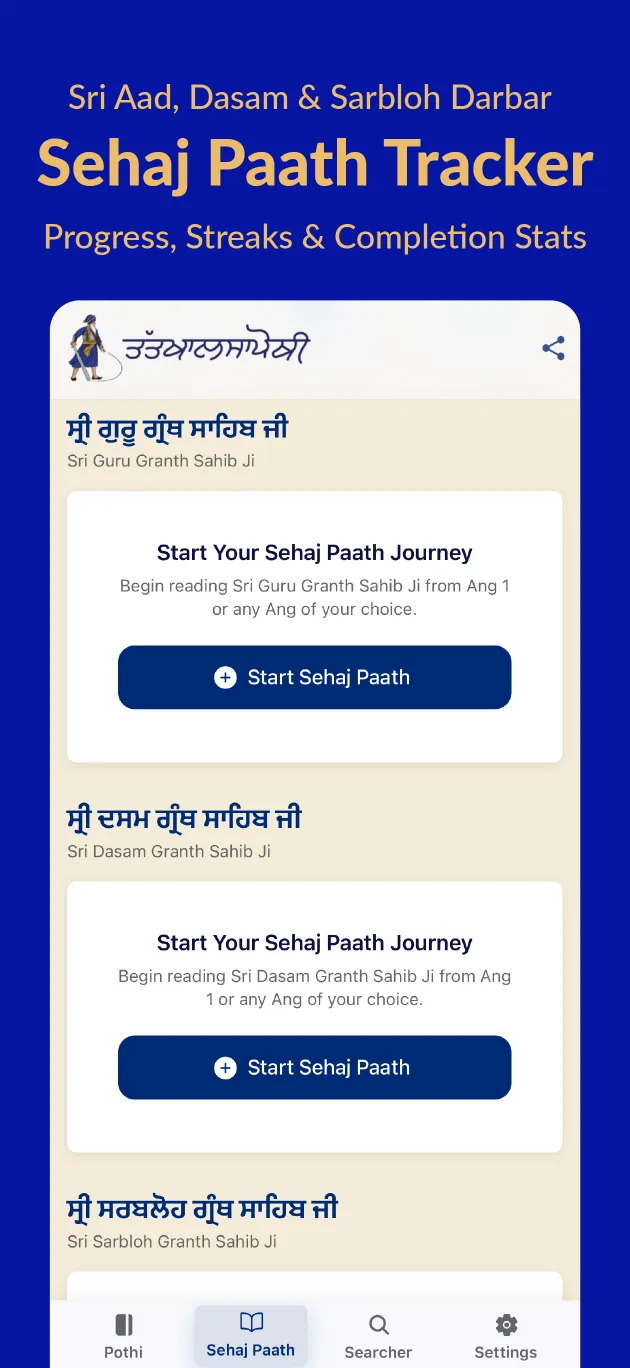
Sehaj Paath companionProgress tracking and ang-by-ang audio for SGGS and Dasam Granth.
Hathlikhat saroopsScanned handwritten and printed puratan saroops.
28Pothis
430+Baanis
3Granths
1430Angs with audio
8Fonts
FreeNo account, no ads
Screenshots

See it in the app

Scroll →
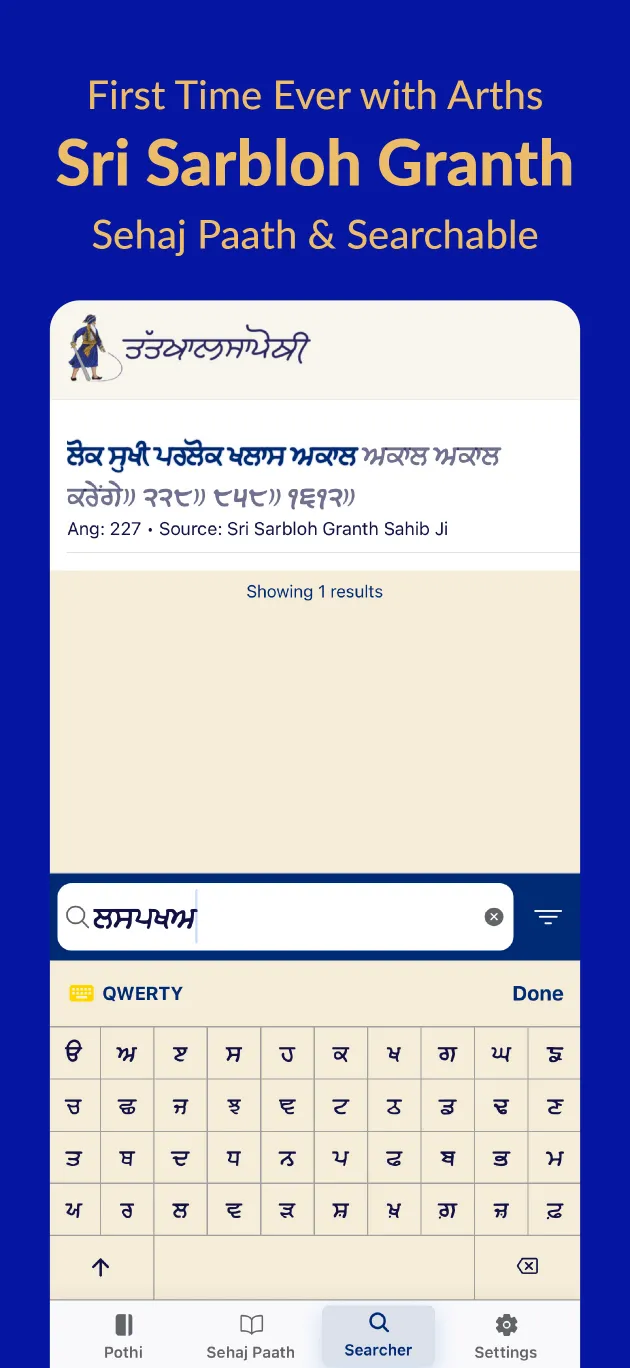
Tat Khalsa Pothi app screenshot: Sri Sarbloh Granth with arths
Sri Sarbloh Granth with arths
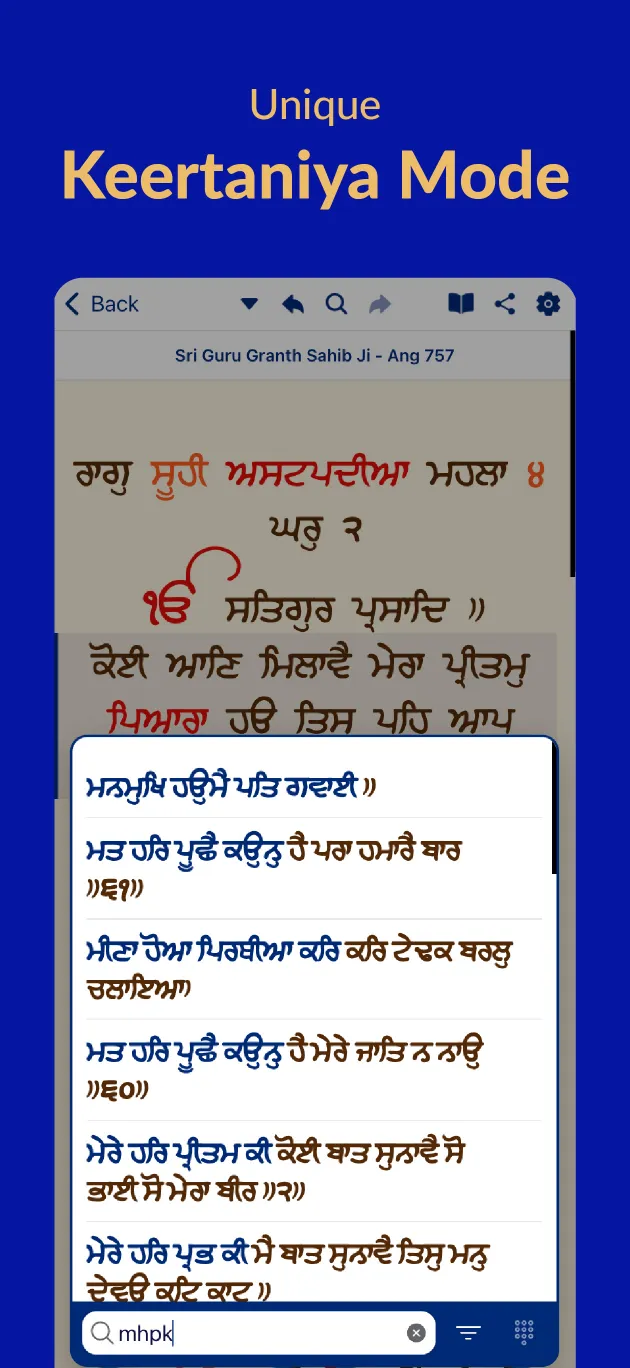
Tat Khalsa Pothi app screenshot: Keertaniya Mode
Keertaniya Mode
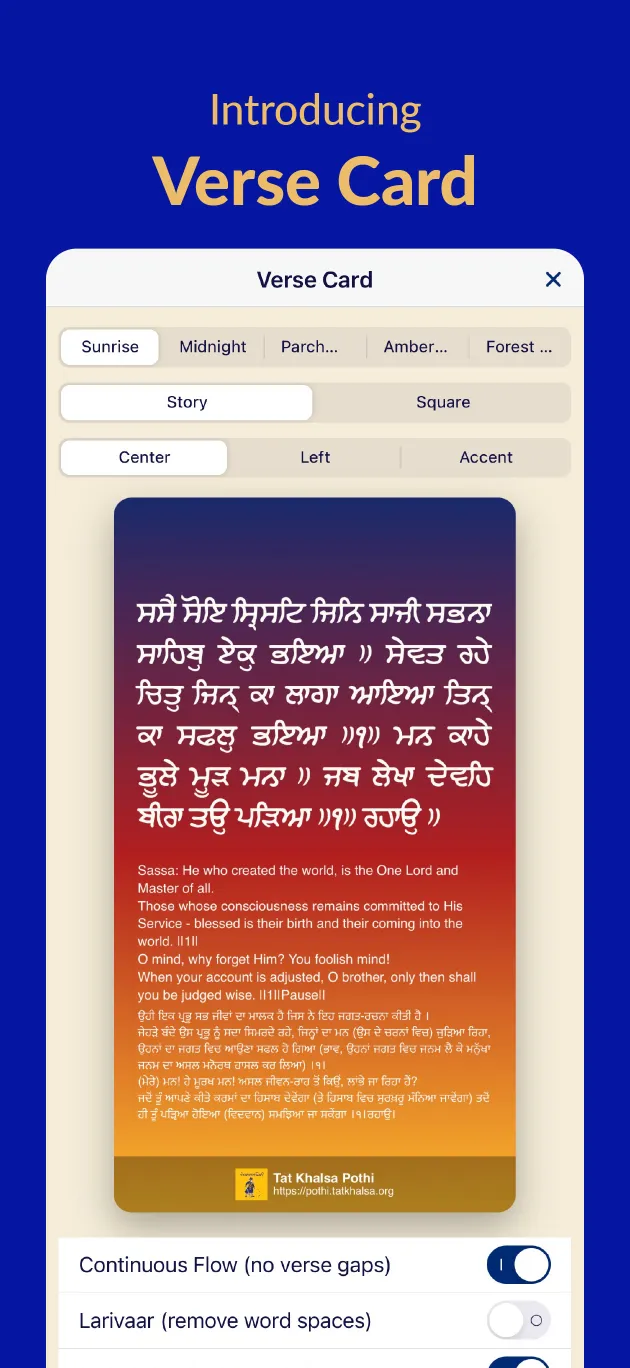
Tat Khalsa Pothi app screenshot: Verse Card
Verse Card
Tat Khalsa Pothi app screenshot: Sehaj Paath Tracker
Sehaj Paath Tracker
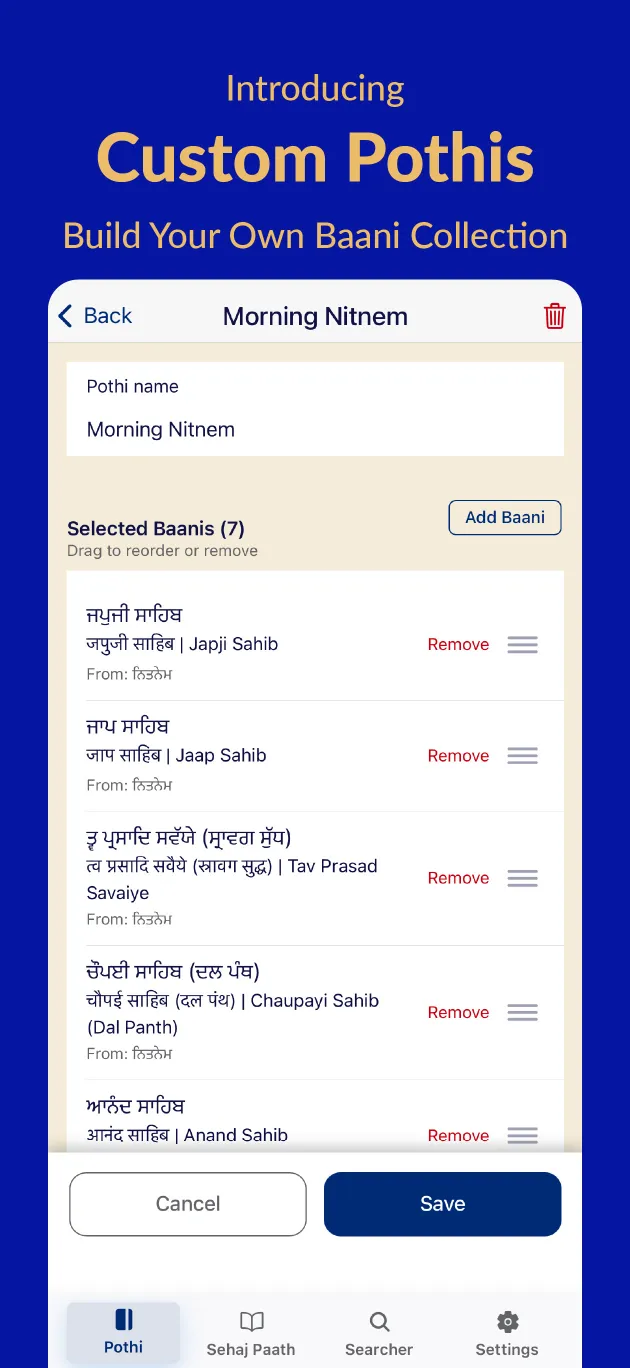
Tat Khalsa Pothi app screenshot: Custom Pothis
Custom Pothis
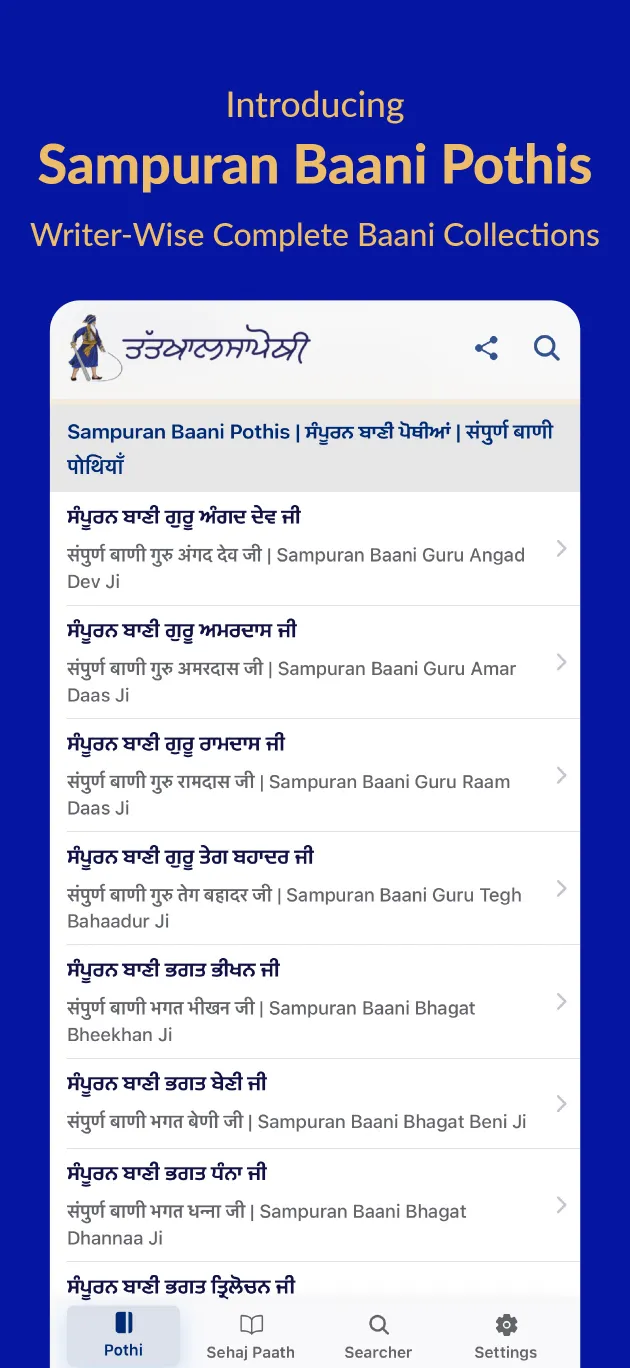
Tat Khalsa Pothi app screenshot: Sampuran Baani Pothis
Sampuran Baani Pothis
Tat Khalsa Pothi app screenshot: Larivaar and Larivaar Assist
Larivaar and Larivaar Assist
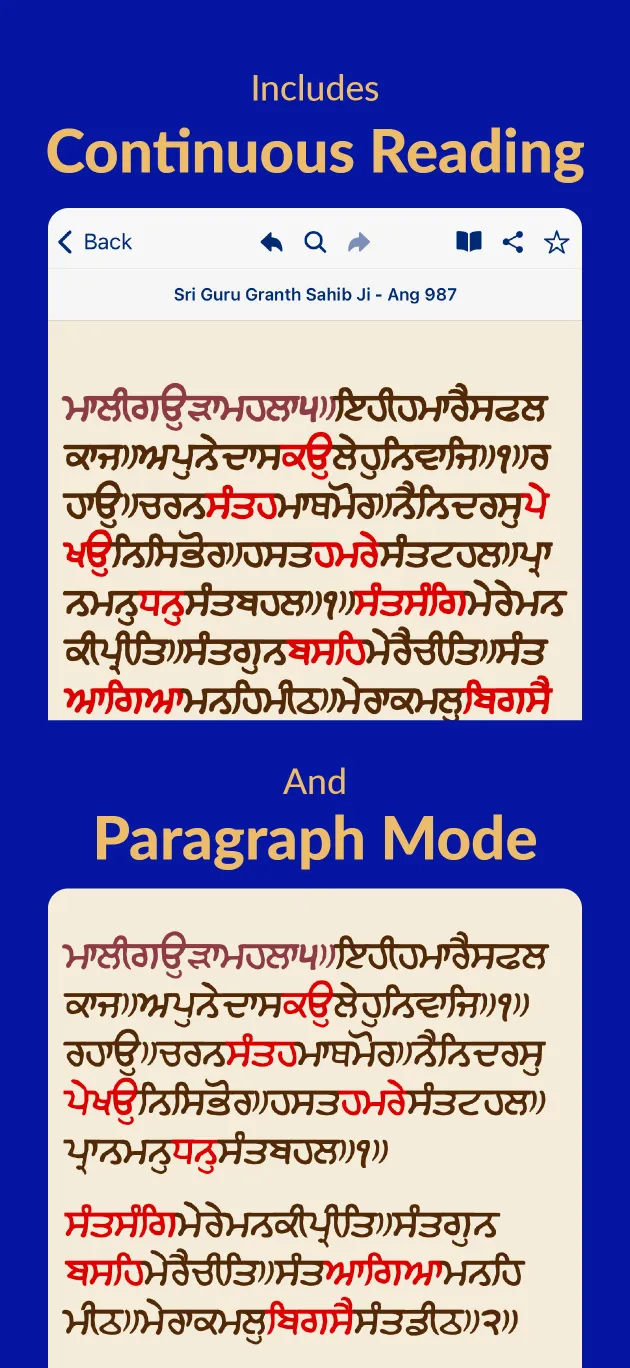
Tat Khalsa Pothi app screenshot: Continuous Reading and Paragraph Mode
Continuous Reading and Paragraph Mode
Tat Khalsa Pothi app screenshot: English Letter Search
English Letter Search
Mac and Windows · Beta

Gurbani on the Gurdwara screen

Tat Khalsa Pothi for desktop finds any shabad, baani or ang in seconds and shows it line by line on a projector or TV. Phones on the same Wi-Fi become remotes, and a captions overlay goes straight into OBS for live streams. Free, offline, no account.

Features, keyboard shortcuts and FAQ →
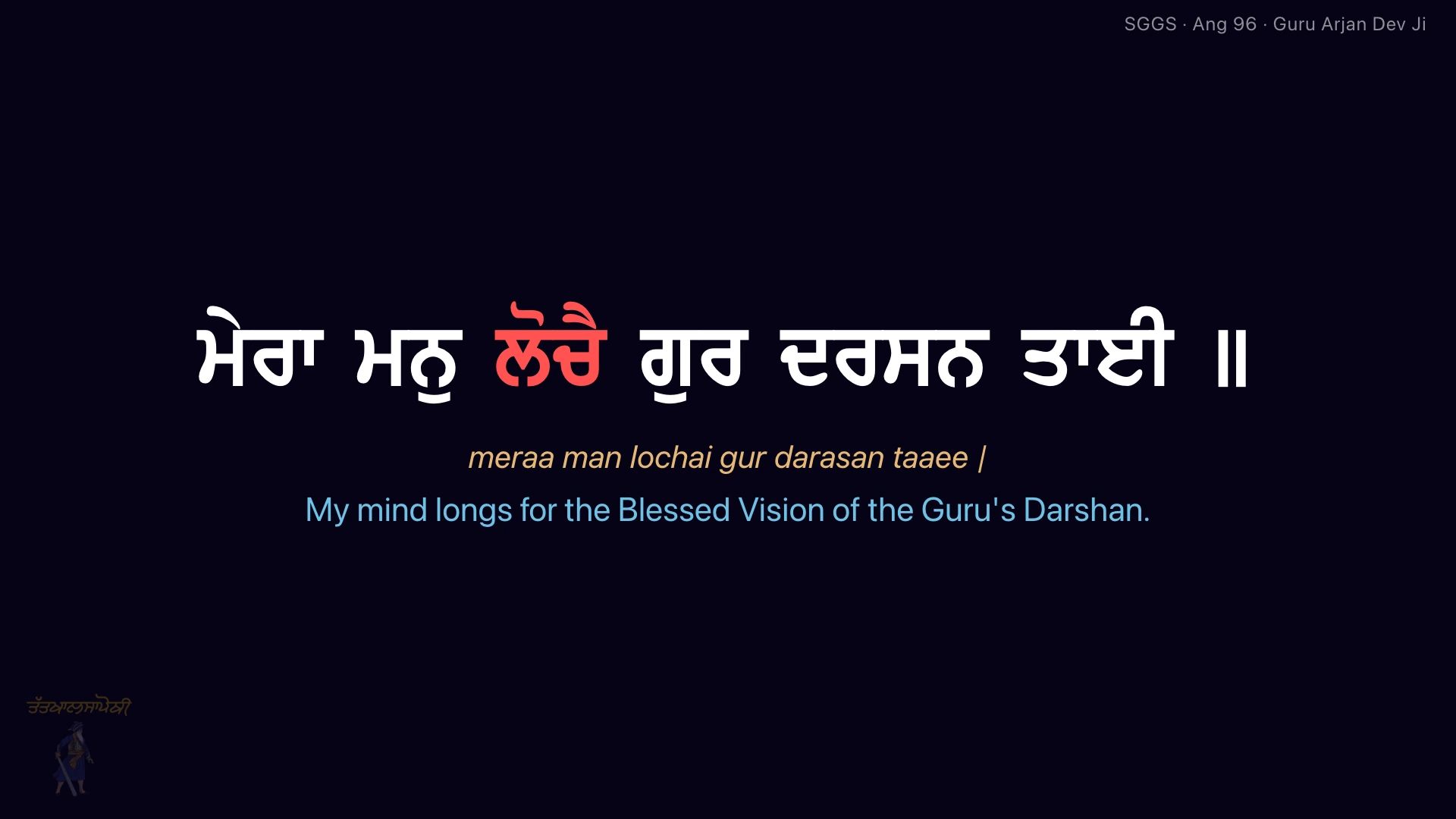

A Gurbani line on the projector with transliteration and English translation
A Singh writing Gurbani by hand with a reed pen
Puratan saroop

Read Gurbani as it was first written

One of the unique features of the app is its list of puratan (old) handwritten Gurbani in Larivaar saroop, the continuous script of the earliest manuscripts.

What is Larivaar? →
Tools

Work with Gurmukhi text

Free utilities for sangat, designers and developers working with Gurbani.

All tools →
siq nwmu⇄ਸਤਿ ਨਾਮੁ
Punjabi Unicode ConverterConvert Gurbani Akhar text to Unicode and back, instantly.Open converter →
Gurmukhi Character MapEvery character with its key, keyboard shortcut and Unicode value.Open character map →

Featured pothis

FAQ

Common questions

More answers in our Learn guides.

Daily Nitnem, Sundar Pothi, Raag Vaars, Bhagat Baani, Swayiye, Bhai Nand Lal Ji, Chaubees Avtar, Charitropakhyan, Rehatnaame and other Panthic writings, plus puratan handwritten Gurbani in Larivaar saroop.

Start your Nitnem with Tat Khalsa Pothi

Free on iPhone, Android and the web, and now on Mac and Windows.